Interactive Quilt Pattern Generator
Will Kennedy's personal portfolio. This is earlier work, made before Highland Willow. It is not Highland Willow client work.
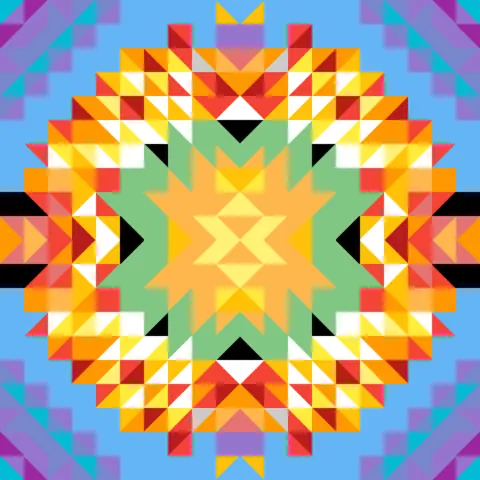
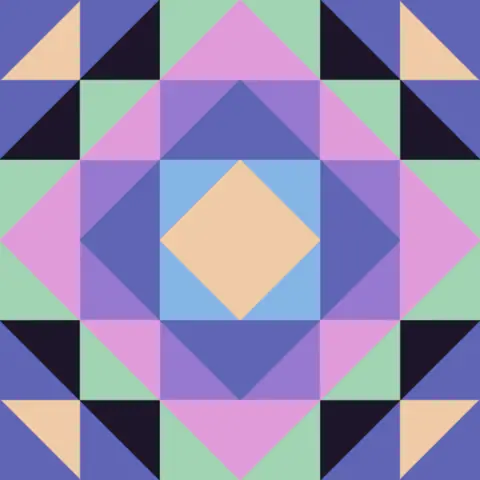
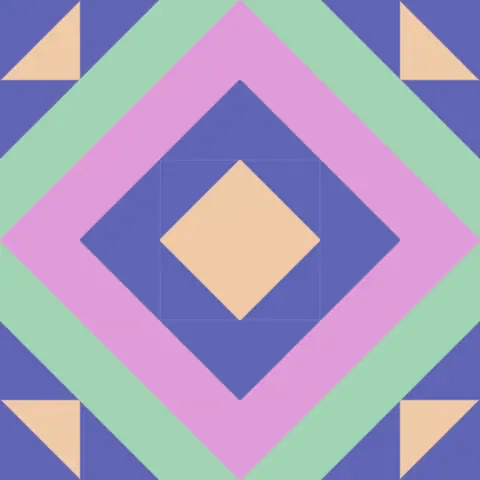
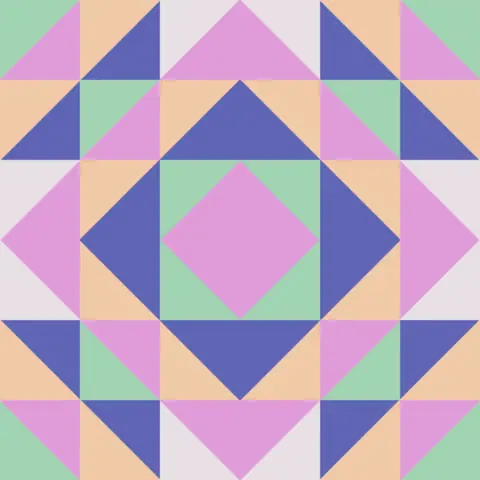
Explore a browser-based quilt design tool that lets you experiment with color palettes, grid sizes, mirroring, and borders to create custom Half-Square Triangle (HST) quilt layouts. You can design directly in your browser and export the result as a PNG for reference or printing.
Key Features
- Color Palettes: Choose from options like Basic, Warm, Cool, Holo, Twilight, Cold, and Futuristic.
- Custom Grid Size: Adjust the quilt grid to explore different block counts and compositions.
- Mirrored Layouts: Enable mirroring so all four quadrants reflect the top-left design.
- Border Controls: Set border line width (in pixels) and toggle between black or white borders.
- One-Click Actions: Generate new patterns, randomize colors, and save your design as a PNG image.
Quick Instructions
- Change Orientation: Left-click any tile to cycle its orientation through square and HST directions (L / U / R / D / F).
- Change Color: Left-click a color swatch to select it, then click a triangle in a tile to apply the color. Click the swatch again to deselect.
- Mirror Pattern: Turn on mirroring so the other three quadrants automatically reflect the top-left design.
- Change Pattern Size: Adjust the grid size for the top-left quadrant (for example, 5 creates a 5×5 quadrant and a 10×10 full quilt when mirrored).
- Apply Border Lines: Set the border width above 0 px to show border lines around each tile.
- Border Color: Choose black or white for the border line color.